
Motivation
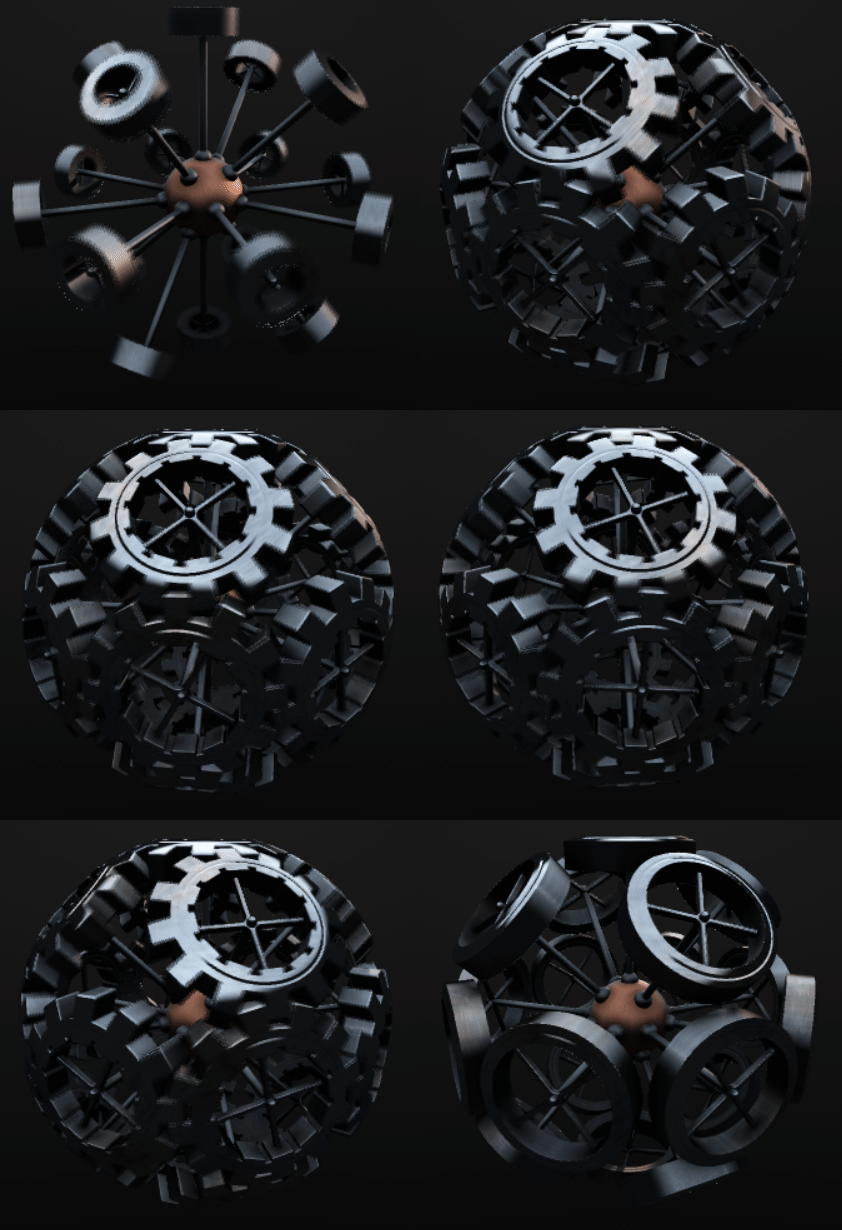
So what is Raymatching?
Raymarching is a rendering technique. It takes a 3d scene (bunch of objects like spheres, triangles, cubes, lights etc.) and produces a 2d image. Here is a list of common rendering techniques:
- Rasterizer – for real-time rendering (games, 3d modeling, user interfaces…). Fast but not realistic. Complex effects are hacky (reflections, refraction, blending…).
- Raytracer – for realistic images with reflections and refraction (Pixar cartoons, movies…). Very beautiful images, simple to implement (at least at basic level), trivial to parallel. However, it is quite inefficient and not suited for real-time rendering yet.
- Raymarcher – quite similar to the raytracing. It makes a good usage of some very clever math tricks to speed up rendering. But don’t get me wrong – it is not a replacement for the raytracing! Simplicity, small executable sizes and ability to run concurrently makes it perfect for demos!
You can see raymarching examples on ShaderToy, Youtube and more Youtube.
Rendering can be done in 2 ways:
- Static randering: you define a static scene with objects, light sources etc and render one single image.
- Real-time rendering: your program constantly updates and renders scene (preferably at 60 FPS – Frames Per Second).
Goal of this Tutorial
I am going to teach you how to implement a real-time raymarcher using Godot game engine and a fragment shader. You will be able to interact with the scene, move the camera around and tweak the field of view (FOV).
There are many ways you could go with implementing a raymarcher. If you are hardcore, you can imlement everything yourself using some 3d graphics API (OpenGL, DirectX, Metal, Vulcan). If you want to start quickly, you could use ShaderToy (I have done so on my first try). But I would recommend using a game engine.
While most would go with Unreal or Unity, I’ve decided to give Godot a try. Now, don’t dismiss it right away. Godot has a lot of nice perks and features:
- It is cross-platform (you can develop on Windows, Mac, Linux, Android, IOS)
- It is completely free
- It is open-source
- You 100% own your project (with no legal BS)
- It is quite simple
- It is quite small (~50 MB executable)
- Portable engine editor (no need to install it)
- No registration required to download it
- It is a mature project
- Community is very active and helpful
Game engine allows you to create application once and build it for any platform it supports. Projects are portable, so you will not encounter irritating problems when you change your environment. And game engine makes adding new features a breeze.
Setup environment
Okay, enough talking, lets do some coding!
Download Godot and launch it. Add new project with the renderer set to “OpenGL ES 3.0”.

Press on the “Custom Node” and search for the “Node” (with the grey doughnut icon) in the Scene tab.

Right click on the “Node” and add a “Control” child.

Now select the Layout -> Full rect layout.

Right click on the “Control” node and add a “ColorRect” child.
Select the Layout -> Full rect layout

Loot at the Inspector on the right and open the “Material” property.
Click on the “Material [empty]” and choose new “ShaderMaterial”.
Click on the sphere that appeared.

Click on the “Shader [empty]” and choose “New Shader”.
Click on the “Shader”
An editor should appear on bottom of the screen.

Type the following code:
shader_type canvas_item;

void fragment()
{
    COLOR = vec4(1.0, 0.5, 0.5, 1.0);
}
Save the scene and name it Raymarcher.tscn.
Run the project (right top corner or press F5). Select Raymarcher.tscn as a main Scene.
If you see a red rectangle like on the image above – you have done well!
Otherwise feel free to clone my project from the GitHub. Use your terminal and type git checkout part0. You will get the same red rectangle as on the image above.
Conclusion
Thats it for now! We have set up a sandbox that will turn into a full-fledged application one day. Hopefully you are as hyped as I am to render your first scene!
Meanwhile you can visit the links below. You will find there my GitHub project, useful blogs and videos. I have used them myself to implement a Raymarcher. Cheers!
Links
Youtube:
Blogs:
 Cg Math Blog